Both library branches will be closed on Thursday, November 26th. Both library branches will close at 5pm on Wednesday, November 25th.

For Makers & Creators
Whether you’re an experienced tinkerer, a budding inventor, or just looking to try something new, the library has what you need to explore, experiment, and build. The Community Commons is equipped with tools, technology, and resources for all skill levels to empower our community to turn ideas into reality. Appointment requests begin January 4th, 2027 using the form at the bottom of this page.
Frequently asked questions
How do I use the Community Commons?
West Bloomfield Library cardholders ages 13 and up* can use the Community Commons in one of four ways:
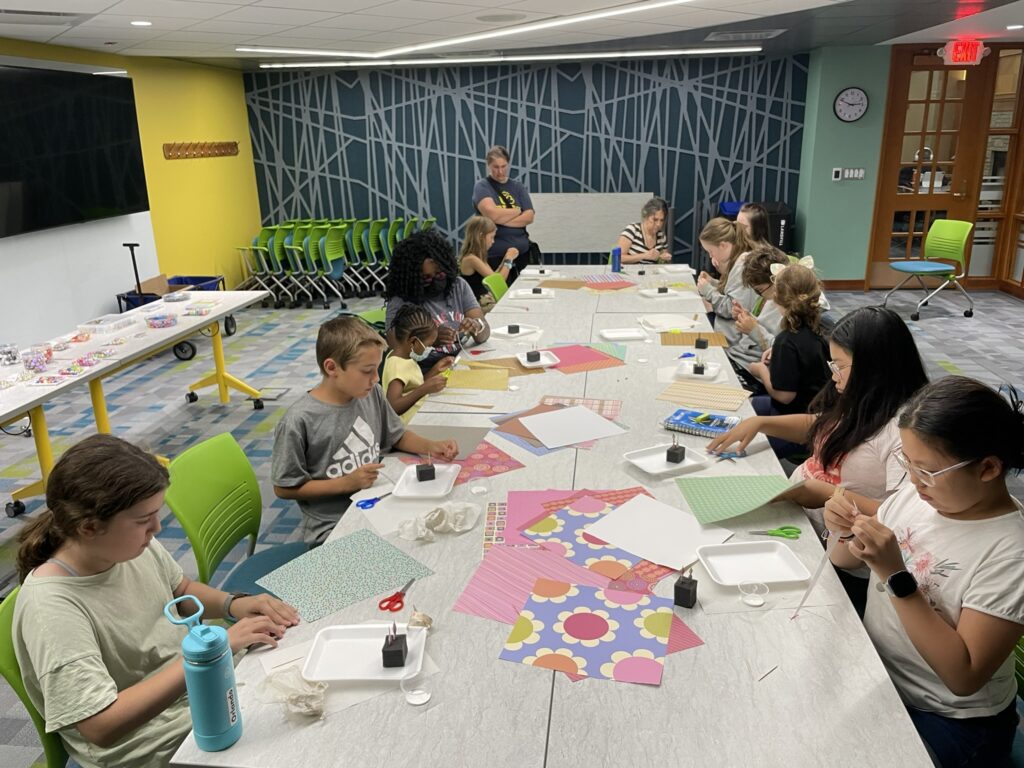
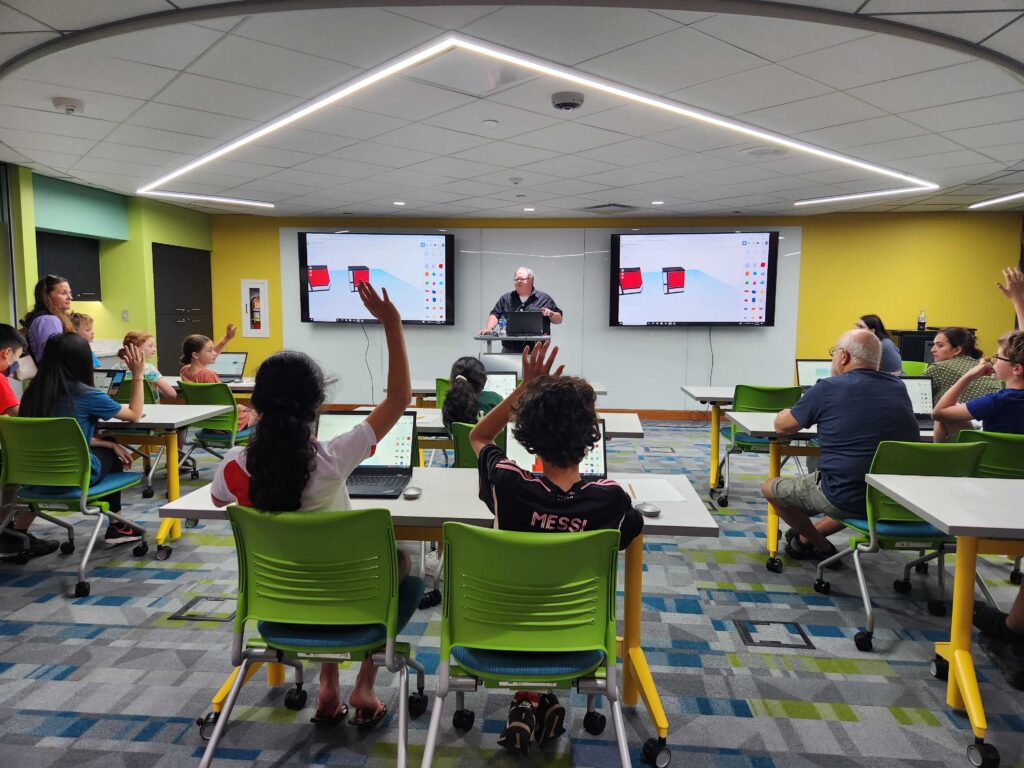
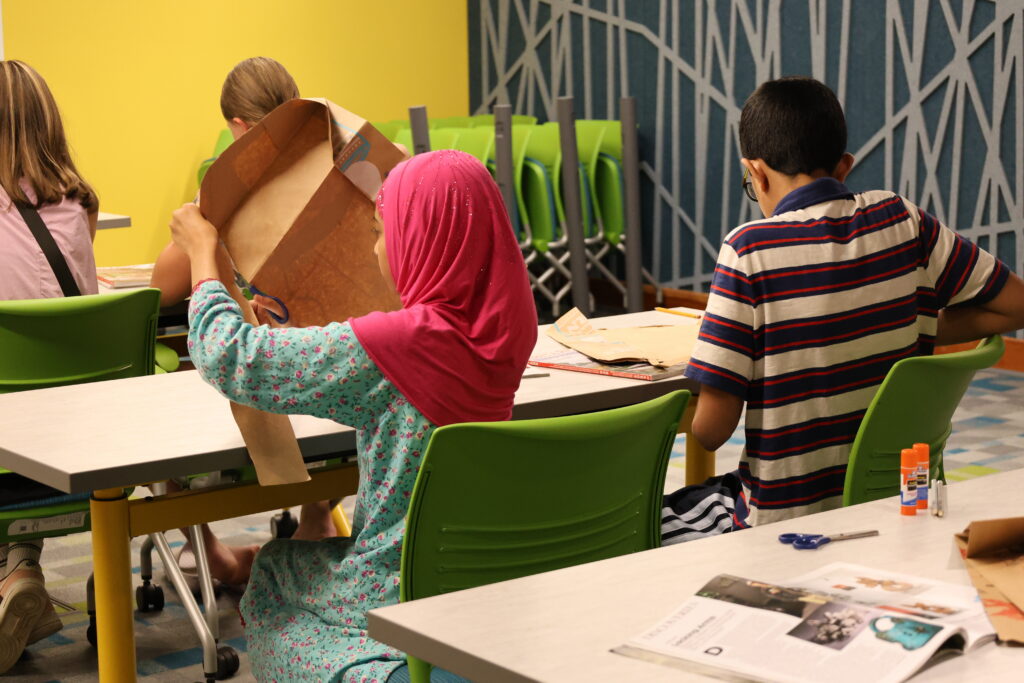
- Attend a creative tech program like Tech Crafts
- Request a creative tech appointment with a staff member
- Request time with some of the equipment
- Request 3D printing services
Before your appointment in the Community Commons, you must review and sign a liability waiver (or have a parent or guardian do so on your behalf if between the ages of 13 and 17). When you request an appointment or time with equipment, a staff member will reach out to you to find a time that works best. Once your request is confirmed, you can come to the Community Commons at the Main Library during your scheduled time to get started!
You’ll need to be certified by staff to use equipment on your own, which may take more than one session. Once you’re certified to use a piece of equipment during a one-on-one session with a staff member, you can request to use it with indirect supervision.
No prior experience is required; however, since the equipment runs on computer software that you will need to learn, good computer, mouse, and keyboard skills are required. We encourage you to come ready to learn something new!
*Some equipment may be used by younger cardholders with parental assistance and supervision.
What kind of equipment is in the Commons?
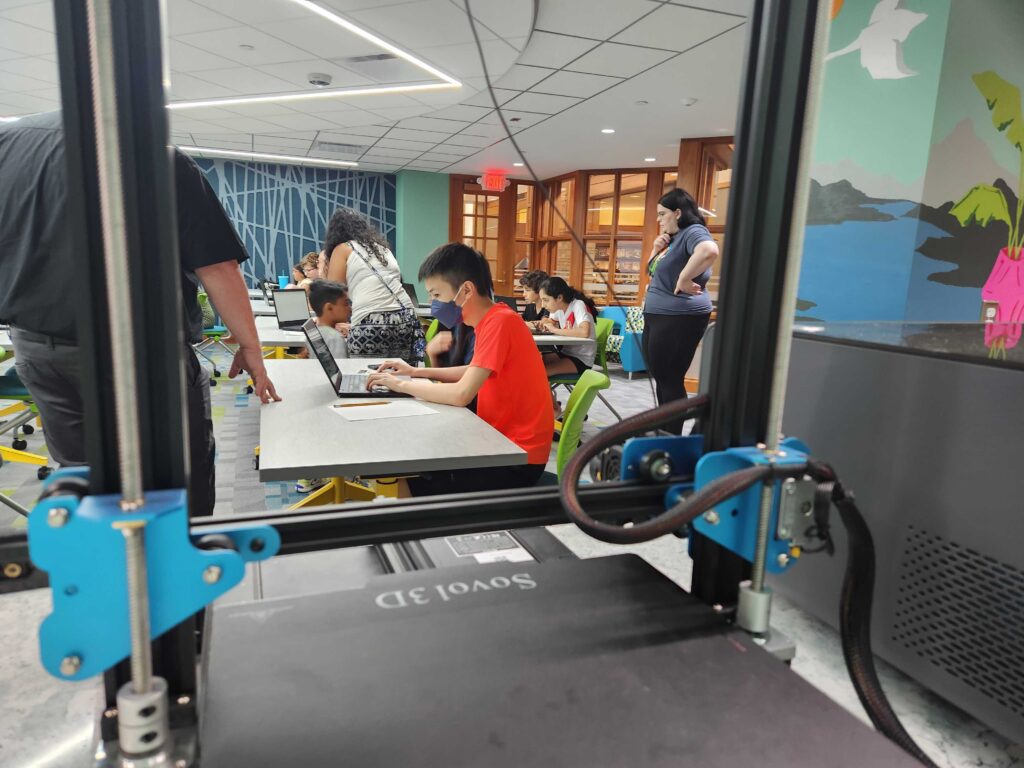
- 3D printers (Bambu X1 Carbon & Elegoo Centauri Carbon – works with Bambu Studio & Orca Slicer)
- Laser cutter (xTool P2 – works with xTool Creative Suite & xTool Studio)
- Sublimation printer (Epson – works with Canva)
- Sticker & photo printer/cutter (Cricut StickerPix – works with Canva & Cricut Design Space)
- Heat press – mug (Cricut – works with Canva)
- Heat press – tumbler/glass (Vevor – works with Canva)
- Heat press – small/manual (Cricut Easy Press SE 9 x 9 – works with Canva)
- Heat press – large/automatic (Cricut Auto Press 2 15 x 15 – works with Canva)
- Button makers (works with Canva)
- Access to Canva Pro
What can I make in the Commons?
The Commons is intended for personal creative projects of all kinds. For ideas, check out the list of currently available materials for your project, register for Tech Crafts to try out a project, or search online for projects that can be done using the equipment available. We recommend starting with a smaller, easier project that helps you learn the equipment and technology.
If you have a project idea but aren’t sure if it’s possible, contact a Digital Services staff member at makers@wblib.org or fill out the form below and we’ll be in touch.
What does it cost?
There is no charge to use any of the services in the Community Commons, but some projects will require you to bring in your own consumable materials to use with the equipment. However, thanks to the generous support of the Friends of the Library, the library offers select materials for projects at no charge. These materials are limited to one item unless otherwise noted below, per member, per month.
Currently available materials supported by the Friends of the Library
FOR SUBLIMATION
The library provides sublimation ink, paper, and heat tape.
- Bookmarks
- Magnets
- Tumblers
- Hanging decorations
- Keychains (multiple types)
- Pencil bags
- Mousepads
- Can coolers
FOR LASER CUTTING
- 3mm plywood sheets, one color
- 3mm acrylic sheets, multicolor & clear
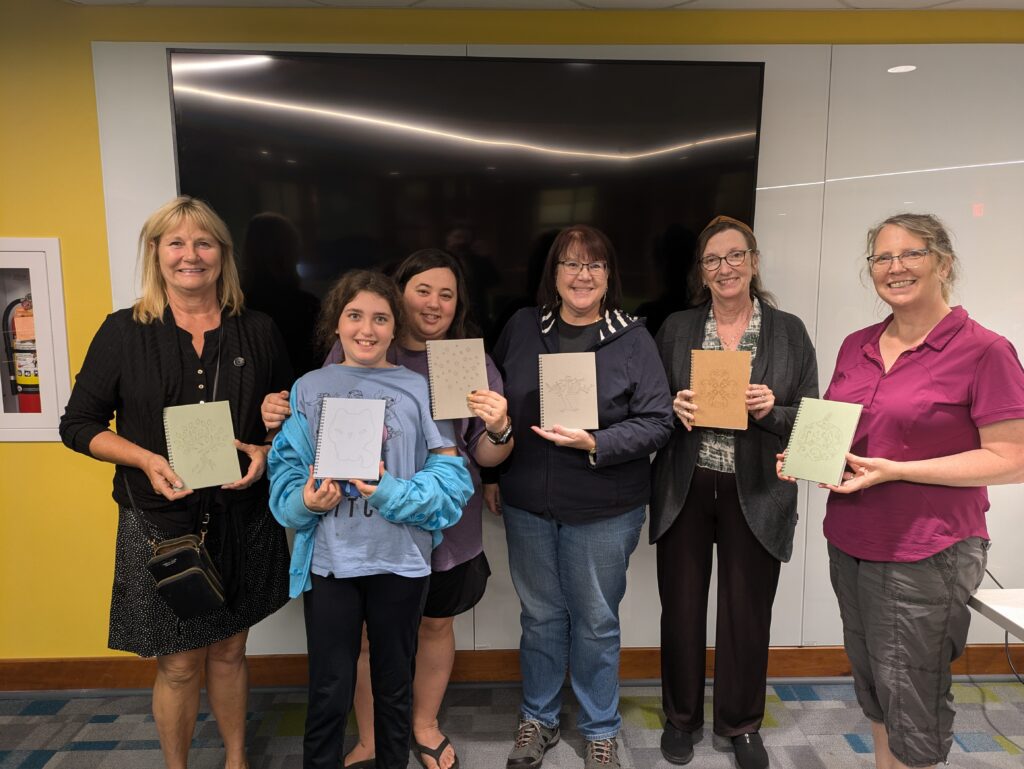
- Cardstock cover notebooks
- Night lights
FOR 3D PRINTING
The library currently only prints in matte PLA filament.
- Red
- Orange
- Yellow
- Green
- Light green
- Dark blue
- Light blue
- Purple
- Pink
- White
- Black
FOR BUTTON MAKING
You may create up to 10 buttons per member, per month.
- 1 inch
- 1.5 inch
- 2.25 inch
FOR STICKER MAKING
You may create up to one 4 x 7 sticker sheet per member, per month.
- Sticker paper (glossy)
FOR PHOTO PRINTING
You may create up to 4 photos per member, per month.
- Photo paper (4 x 6 inches, glossy)
What if I want to use my own materials?
You may bring your own blanks for sublimation and heat pressing; all other outside materials are currently prohibited for use. This list of allowable materials provides more information about what you can bring. Please contact a Digital Services staff member at makers@wblib.org with questions about allowable materials or to get your materials approved in advance of your visit.
How can I 3D print something?
The 3D print queue is currently: OPEN
When the queue is open, the library is accepting small projects (maximum 1 color and 2 hours print time) in the form of ready to print .STL files from West Bloomfield Library cardholders. The library does not currently have the capacity to print larger projects or projects with more than one color. If you need to create or find a 3D design, request a creative tech appointment instead. If the print queue is closed, check back later to see if it has reopened. Staff reserve the right to limit the number of requests from individual users while the print queue is open.
Please note that the library reserves the right to deny all 3D printing requests that require more than 1 color or 2 hours of print time, or violate library policy.